
How to Start an HRMS SaaS Business in India: A Practical Guide
Short answer
To start an HRMS SaaS business in India, pick a customer niche, choose software that isolates each customer's data, make sure payroll covers PF, ESI, professional tax, LWF and TDS, price plans in rupees with GST invoices, and plan onboarding and support. Buying a ready-made multi-tenant HRMS with source code cuts the build from many months to a few weeks of setup.
Software discussed: Dino HRMS SaaS · Try the live demo
Most small and mid-sized Indian companies still run leave in spreadsheets and payroll in a mix of Excel and an accountant's tool. That gap is the opening for an HR SaaS business. The hard part is not the idea; it is getting tenant isolation, statutory payroll and billing right before your first paying customer. This guide covers the decisions in the order you will meet them.
Step 1: Choose a Niche You Can Reach
General HR software competes with large, well-funded vendors. A niche gives you a reason to be chosen. Good starting points are customers you already know how to sell to.
- CA firms and payroll bureaus that already process payroll for client companies.
- IT and staffing agencies with shift-based or project-billed teams.
- Manufacturing units with biometric attendance and overtime.
- Regional business groups with several legal entities.
- A city or state where you can sell in person and support in the local language.
Step 2: Decide How Customer Data Is Isolated
HR data includes salaries, bank accounts and identity documents. Your first enterprise prospect will ask how their data is kept apart from other customers. There are two common answers: a shared database with a tenant column on every row, or a separate database per customer. A separate database per company is easier to explain, back up, restore and export per customer, and it removes the risk of one missed filter showing another company's rows.
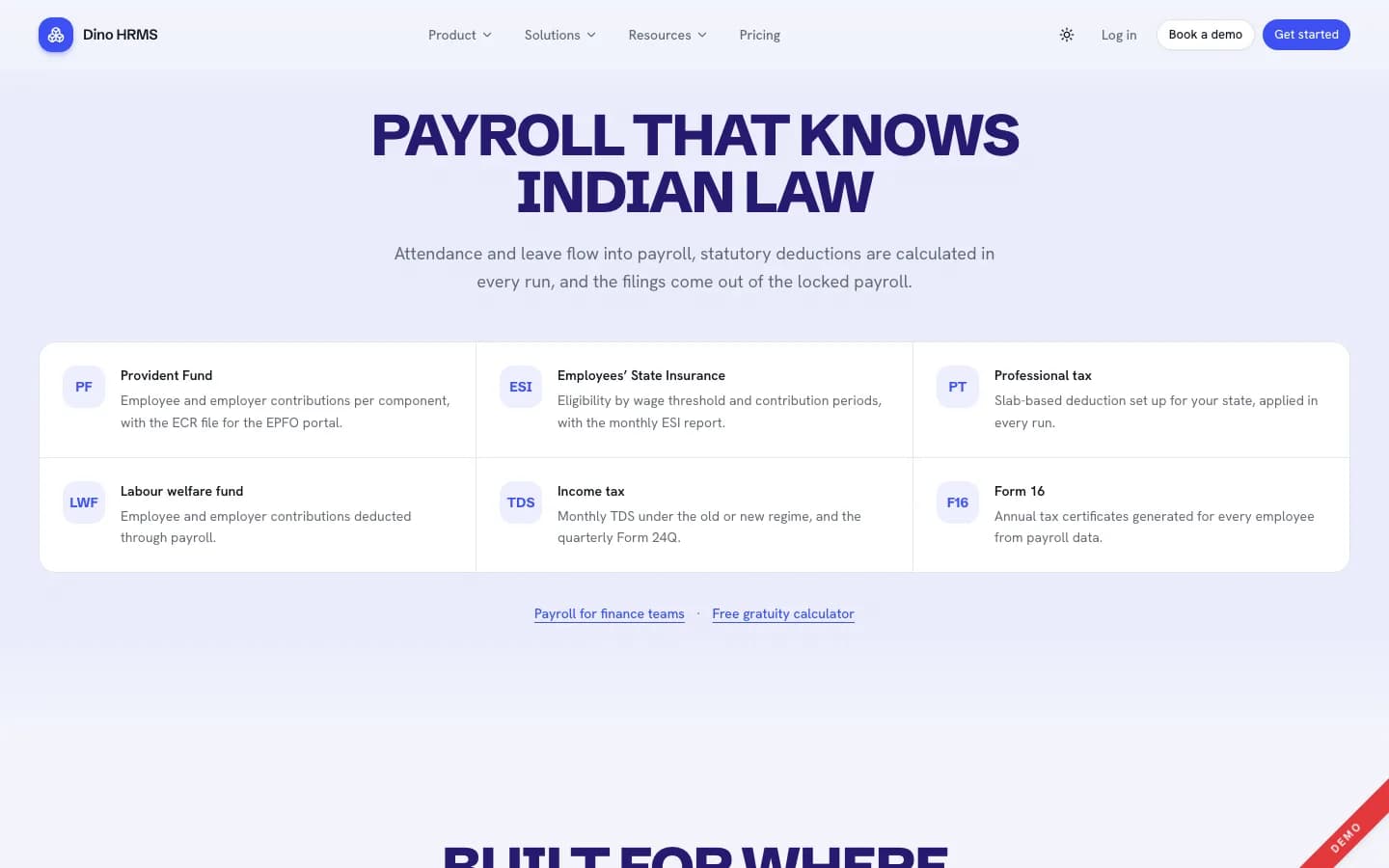
Step 3: Cover Indian Statutory Payroll
Payroll is the module customers pay for and the one they leave over when it is wrong. At minimum, your product needs the following, calculated in every run and tied to attendance and leave.
| Requirement | Why customers need it |
|---|---|
| PF with the EPFO ECR file | Monthly provident fund filing for eligible employees |
| ESI and the monthly ESI report | Health insurance contributions for employees under the wage threshold |
| Professional tax by state slab | State-level deduction that varies by location |
| Labour welfare fund | State-level employee and employer contributions |
| TDS (old or new regime) and Form 24Q | Monthly income tax deduction and quarterly return |
| Form 16 | Annual tax certificate every employee asks for |
Have a payroll adviser review rates and slabs for each customer before the first live run. Statutory rules change, so keep them in configuration rather than in code.
Step 4: Price in Rupees and Invoice With GST
Indian buyers expect prices in rupees, payment by card, UPI or net banking, and a GST tax invoice they can claim input credit on. Common HR SaaS pricing models are per employee per month, or flat tiers by employee band. Flat tiers are easier for small companies to budget for; per-employee pricing scales with larger customers. Decide what each tier includes: employee allowance, document storage and modules such as recruitment or performance.
- Let customers upgrade any time and apply downgrades at renewal, so revenue does not drop mid-cycle.
- Offer a demo workspace with sample data so prospects can try before paying.
- Keep one plan for multi-company groups, with separate payroll rules per entity.
Step 5: Build or Buy the Platform
Building an HRMS SaaS yourself means employee records, attendance, leave ledgers, payroll, statutory outputs, approvals, roles, audit, signup, billing and tenant provisioning before you can sell. That is many months of engineering. Buying a ready-made platform with source code lets you spend that time on sales and support instead.
| Build from scratch | Buy ready-made with source code | |
|---|---|---|
| Time to first customer | Many months of development | About two weeks of setup after assets and access are confirmed |
| Tenant isolation, billing, GST invoicing | You design and test it | Included |
| India payroll outputs | You build and validate them | Included; review with your adviser |
| Branding | Your own | White-label: your name, logo, domain |
| Code ownership | Yours | Source code for the agreed scope under a commercial grant |
Step 6: Plan Onboarding and Support
Small companies decide fast and churn fast. Make the first afternoon count: import employees from a spreadsheet, pick ready-made roles and leave policies, and run a test payroll. An AI assistant that answers policy and balance questions reduces the tickets that reach your support team, as long as it only shows each person what their role allows.
To see a working example of all six steps, open the Dino HRMS SaaS live demo or read our Dino HRMS SaaS review.
Frequently Asked Questions
How much does it cost to start an HRMS SaaS in India?
The main costs are the software, a VPS, a domain with wildcard SSL, a payment gateway and your sales and support time. Buying ready-made source code replaces most of the development cost with a one-time purchase.
Do I need to be a payroll expert to sell HR software?
No, but you need a payroll adviser to review statutory configuration and to answer customers' compliance questions. The software calculates; the rates and rules must be checked.
Can I sell HRMS SaaS under my own brand?
Yes, with white-label software. You set the platform name, logo, colours and domain, and customers see only your brand.
Which customers are easiest to start with?
Companies with 10 to 100 people that still use spreadsheets, and CA firms or payroll bureaus that already run payroll for many clients.
The software in this article
Dino HRMS SaaS
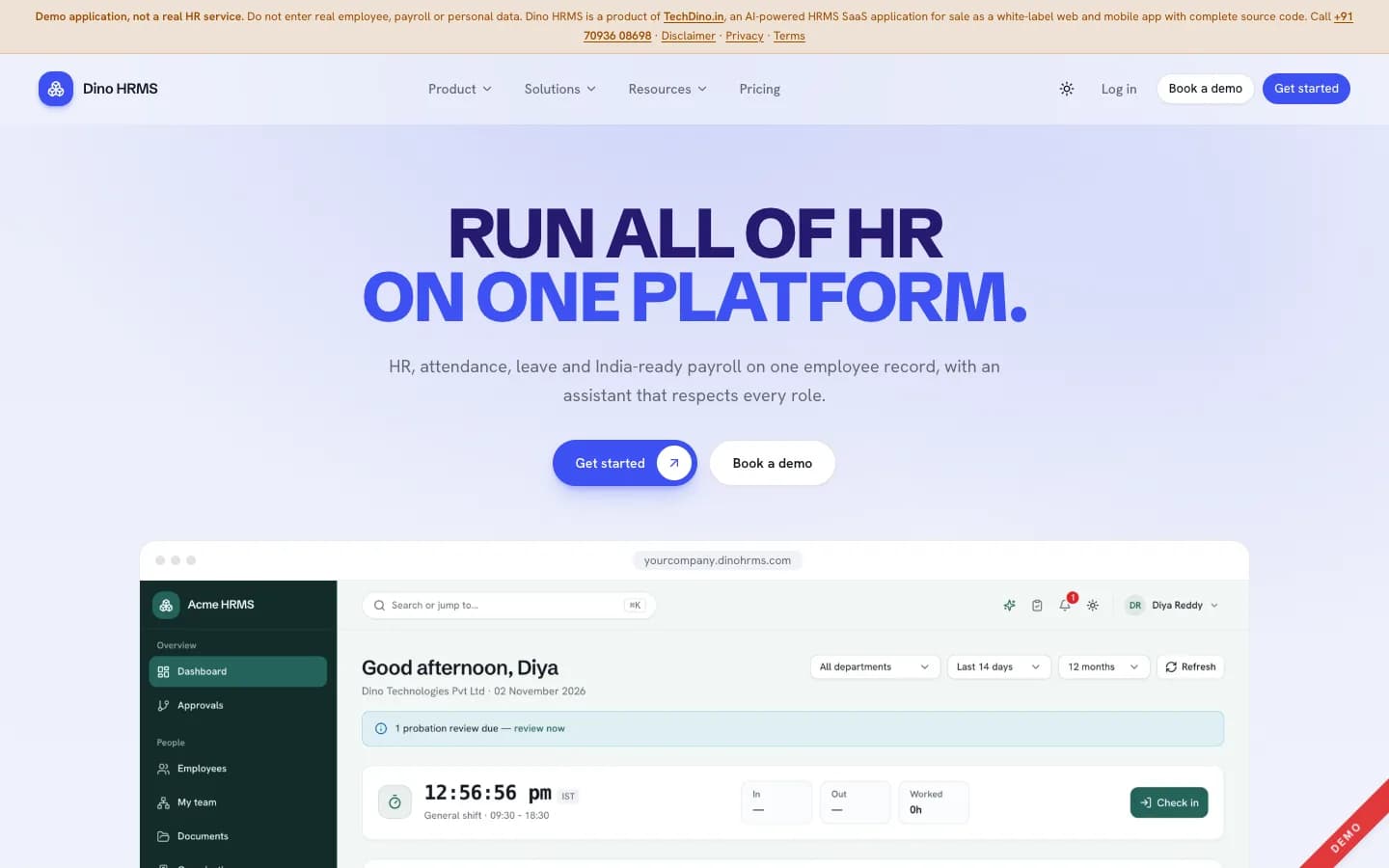
AI-powered multi-tenant HRMS SaaS: launch your own HR and payroll subscription business where every customer company gets its own workspace and its own database — 31 modules in seven suites, India-ready payroll (PF, ESI, PT, LWF, TDS, Form 16), and six permission-aware AI agents.
Explore Next
- Learn about our deployment and migration services
Want Dino HRMS SaaS Under Your Brand?
Rebrand Dino HRMS SaaS with your logo and domain, or have it customized for your workflow. All quotes are customized and private.
Related Articles
Standalone HRMS vs Multi-Tenant HRMS SaaS: Which Should You Buy?
Standalone HRMS runs HR for one organisation on its own server; multi-tenant HRMS SaaS serves many companies from one platform. Here is how they differ in data, billing, hosting and who each one suits.
Dino HRMS SaaS Review: AI-Powered Multi-Tenant HR & Payroll Platform
A hands-on review of Dino HRMS SaaS, the multi-tenant edition of Dino HRMS: database-per-company isolation, India payroll outputs, six AI agents, rupee plans with GST invoices, and what you get when you buy the source code.