
Procurement and Inventory Management Software: Feature Checklist
Short answer
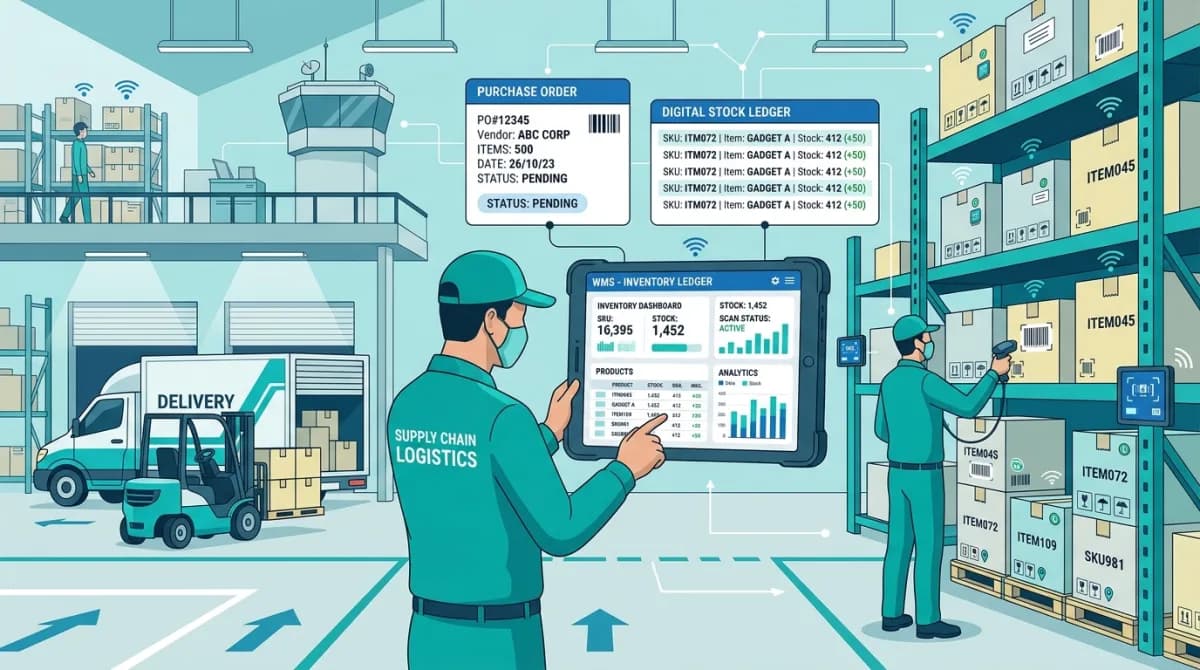
Procurement and inventory management software automates the purchase request, approval, supplier order, goods receipt and stock valuation cycle. It tracks branch-level inventory movements, connects purchasing decisions to supplier performance history, and posts cost entries to the general ledger so finance teams see real-time material costs without manual reconciliation.
Software discussed: Dino Business OS · Try the live demo
Why Procurement and Inventory Must Operate as One System
In many growing commercial enterprises, procurement teams issue purchase orders in isolation while warehouse managers maintain physical stock counts in standalone spreadsheets. This disconnect leads to costly duplicate purchasing, unexpected warehouse stockouts, and delayed payments to critical suppliers. Modern business management demands an unbroken operational bridge connecting the initial purchase requisition directly to warehouse receiving docks and general ledger accounts.
When the two are separate, the gap shows up as stock that exists on paper but not on the shelf. A goods receipt entered in the purchasing system does not raise the inventory count, so a buyer reorders what already arrived, or a salesperson promises stock that was consumed last week. Every reconciliation meeting a distribution business holds is a symptom of that split.
Procurement Lifecycle Feature Checklist
- Internal purchase requisition creation: Enables department heads to submit purchase requests with item quantities, justification notes, and budget codes
- Configurable multi-tier approval rules: Routes purchase requests to managers and finance directors based on spend thresholds
- Automated purchase order generation: Converts authorized purchase requisitions into formal supplier purchase orders with vendor pricing terms
- Supplier performance directory: Maintains historical records of vendor lead times, delivery reliability, pricing trends, and contact details
- Goods receipt processing: Allows warehouse staff to verify inbound deliveries against specific purchase order line items and log discrepancies
- Automated accounts payable creation: Matches supplier invoices against verified goods receipts and purchase orders before authorizing disbursements
Approval design deserves more thought than the feature list suggests. Too few steps and a junior buyer commits the company to a large order; too many and urgent purchases route around the system entirely. Value-banded approvals, where routine orders clear automatically and larger ones escalate, keep the control meaningful without making the process something staff work around.
Warehouse Inventory Management Feature Checklist
- Real-time branch inventory tracking: Maintains accurate stock counts across multiple distinct warehouse and retail locations
- Immutable stock movement ledger: Records every receipt, dispatch, return, and scrap event in an audited chronological transaction ledger
- Reorder point alerts: Automatically notifies procurement officers when specific SKU levels drop below safety stock thresholds
- Inter-branch transfer workflows: Manages internal stock relocations with dual verification (origin dispatch and destination receipt)
- Stock valuation calculations: Supports FIFO (First-In, First-Out) and weighted average inventory costing models for financial balance sheets
- Physical audit variance logging: Enables periodic physical stock counts and records audited adjustments with mandatory manager sign-off
Evaluating Procurement and Inventory Capabilities
| Operational Requirement | Basic Spreadsheet Method | Integrated ERP Solution |
|---|---|---|
| Stock visibility | Static weekly count prone to human entry errors | Instant real-time balance updated on every transaction |
| Purchase authorization | Informal email threads lacking financial audit trails | Automated role-based approval routing with audit logs |
| Cost accounting integration | Manual journal entries posted weeks after receipt | Instant automated general ledger posting on goods receipt |
| Supplier accountability | Anecdotal feedback without verifiable metrics | Quantitative lead-time tracking and delivery fulfillment scoring |
Test the evaluation against a partial delivery, because that is where most systems break. Order a hundred units, receive sixty, and check that the purchase order stays open for the balance, the invoice matches only what arrived, and the stock count rises by sixty rather than a hundred. A product that forces you to close the order or edit the invoice by hand will create the same manual work every week.
Frequently Asked Questions
Frequently Asked Questions
Does procurement software integrate directly with accounting?
In connected ERP systems, every goods receipt and supplier payment posts a balanced journal entry to the general ledger, keeping material costs and payable balances accurate without manual data entry.
Can inventory software track stock across multiple branches?
Yes. Branch-level inventory maintains separate stock balances per location while supporting inter-branch transfers with full audit trail.
What industries need procurement and inventory software?
Distribution, trading, manufacturing, retail and field service businesses in India, UAE and global markets that manage physical goods and supplier relationships.
How are damaged or returned goods handled?
Staff log return notes linked to the original purchase order or sales delivery, automatically debiting or crediting the inventory ledger.
The software in this article
Dino Business OS
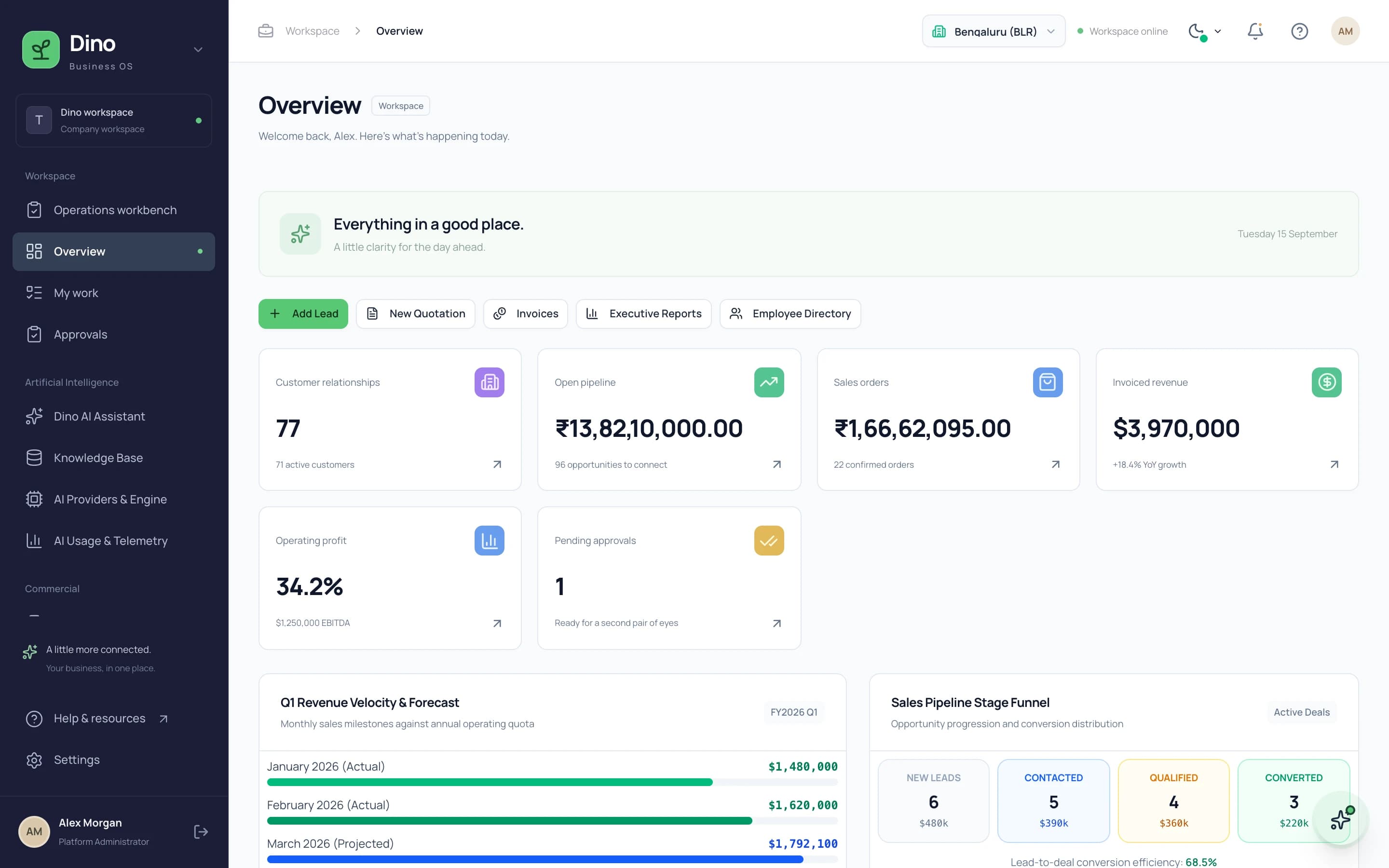
Dino Business OS is AI-powered business operations software that connects CRM, sales, procurement, inventory, projects, HR, payroll, service, assets, documents and finance in one permission-controlled workspace with a built-in LangGraph multi-agent AI assistant.
Want Dino Business OS Under Your Brand?
Rebrand Dino Business OS with your logo and domain, or have it customized for your workflow. All quotes are customized and private.
Related Articles
Role-Based Access Control in Business Software: How RBAC Works
A practical guide to how role-based access control works in business ERP software, covering roles, permissions, module access, branch scoping and why AI assistants need permission-scoped queries.
Quotation-to-Invoice Workflow Automation: Eliminate Manual Re-Entry
How automated quotation-to-invoice workflows connect quotations, sales orders, delivery notes, tax invoices and payment receipts into one document chain that eliminates manual data re-entry.