
WhatsApp Cloud API vs Web Chatbots: Conversion Rates and Automation Architecture
Short answer
WhatsApp and web chat provide different customer-contact workflows. WhatsApp can retain a conversation in a messaging app, while web chat stays within your site. Compare consent, template rules, integration costs, delivery reliability and accessibility. Measure confirmed enquiries and bookings for your own audience; retention and conversion advantages must be measured for the chosen channel.
Software discussed: Clinic CRM · Try the live demo
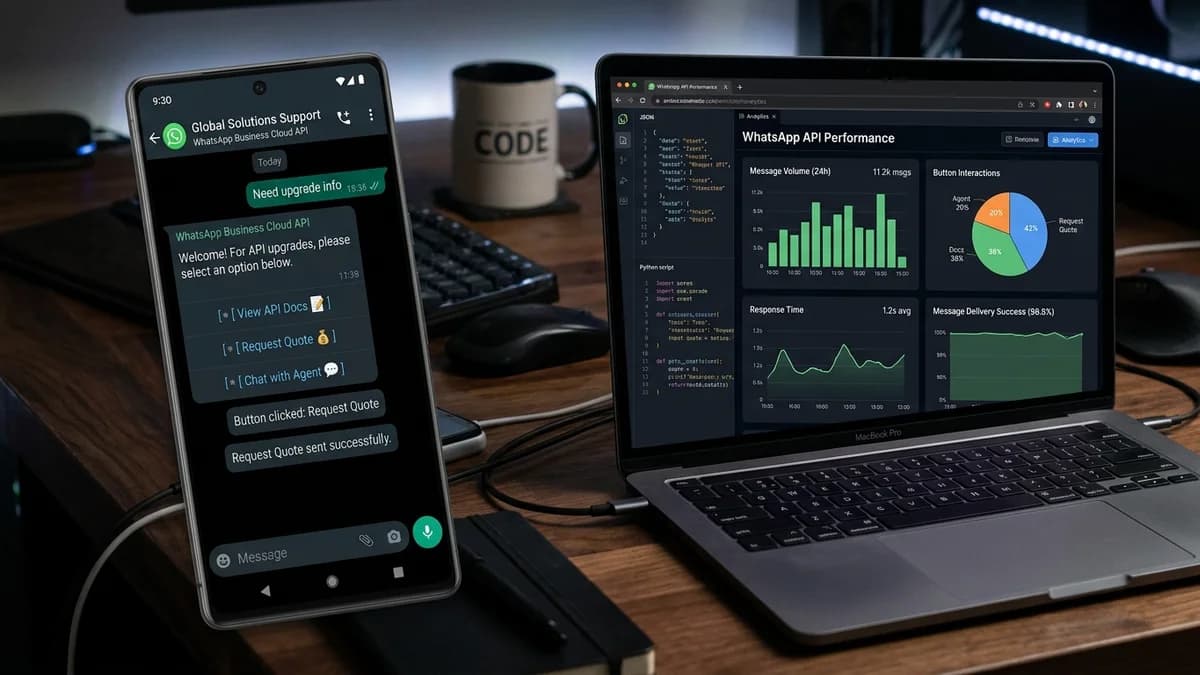
Website visitors who initiate conversations in corner chat widgets frequently disconnect before receiving a response, abandoning enquiries when they close the browser tab. In contrast, conversational automation built atop the official WhatsApp Cloud API anchors interactions inside the user's primary mobile communication channel.
Key Architectural Differences
Examining the communication protocols between client browser widgets and cloud messaging endpoints highlights distinct engagement characteristics:
Identity is the difference that drives everything else. A web chat visitor is an anonymous session until they volunteer contact details, whereas a WhatsApp conversation arrives with a verified phone number attached from the first message. That single fact removes the form-fill step, makes follow-up possible, and is why the same qualification script performs differently on the two channels.
- Delivery Verification: WhatsApp Cloud API provides explicit webhooks for message sent, delivered, and read status timestamps, removing uncertainty from lead tracking.
- Interactive Quick Reply Buttons: Structured buttons and list pickers guide customer responses, accelerating appointment booking and quotation gathering.
- Contact identity: a WhatsApp account provides a reachable channel, but does not verify business identity or qualification. Apply verification appropriate to the transaction.
- Media Richness: Seamlessly dispatch generated PDF quotations, product brochures, and location pins directly into the consumer's chat thread.
- Asynchronous Completion: Customers can begin an enquiry during their morning commute and complete payment hours later from the same message thread.
Performance Comparison: WhatsApp vs Web Chat
| Engagement Metric | WhatsApp Cloud API Automation | Traditional Embedded Web Chatbot |
|---|---|---|
| User Engagement Channel | Native mobile app checked dozens of times daily | Transient browser tab prone to accidental closure |
| Lead Contact Verification | Pre-verified active mobile phone number | Frequently submitted with unverified disposable emails |
| Open Rate for Follow-ups | Measure delivery and engagement in your own consented campaign; no industry-average rate is claimed | Follow-up email notifications often land in spam tabs |
| Transactional Security | Native phone-based authentication with end-to-end encryption | Session token susceptible to clearing browser storage |
| Re-Engagement Window | 24-hour service window with opt-in utility templates | Session expires immediately when visitor exits webpage |
The numbers favour WhatsApp for one structural reason: the conversation survives the session. A web chat ends when the tab closes and the context is gone, so a buyer who leaves to check a budget has to start over. On WhatsApp the thread persists on the customer's phone, which is why follow-up messages get read at all and why re-engagement is possible days later.
Learn how TechDino builds automated customer workflows with our AI Agent Development Services and Web Application Engineering.
Implementing Webhook Dispatch Architecture
Connecting WhatsApp Cloud API to your backend application requires a secure webhook handler running on Node.js or Python. Incoming webhook payloads verify signature tokens via SHA-256 HMAC headers, parse message payloads, query internal databases, and dispatch JSON responses via Meta's Graph API endpoints with latency measured under realistic load.
Respect the platform rules the architecture has to live inside. Business-initiated messages outside the 24-hour customer service window must use approved templates, delivery status arrives asynchronously, and message ordering is not assured. Building a queue with retry and de-duplication in front of the send path — rather than calling the API inline from a request handler — is what keeps the integration stable when a campaign goes out.
Frequently Asked Questions
Elevating Your Customer Conversion Pipeline
Transform anonymous website browsing into verified customer conversations. Reach out to TechDino to engineer a high-conversion WhatsApp Cloud API conversational pipeline for your business.
WhatsApp integration is configured under your own Business account on products such as Clinic CRM, Vehicle Service App and Dino Laundry, so the conversation history stays with your business.
Frequently Asked Questions
Do businesses need dedicated smartphones or SIM cards for WhatsApp Cloud API?
No. The WhatsApp Cloud API operates directly on cloud infrastructure using a virtual phone number without needing physical phones or SIM cards.
Can WhatsApp automation hand off complex queries to human sales representatives?
Yes. Automated conversational flows can route conversations to live human support agents based on specific trigger words or customer selections.
What are the costs associated with WhatsApp Cloud API?
Meta provides free tier service conversations each month, with low per-conversation rates for business-initiated utility and marketing templates.
Can WhatsApp Cloud API be integrated with existing CRM systems?
Yes. Our engineering team integrates webhooks with custom databases, Clinic CRM, FreshCart, and third-party CRMs via standard REST APIs.
Software in this article
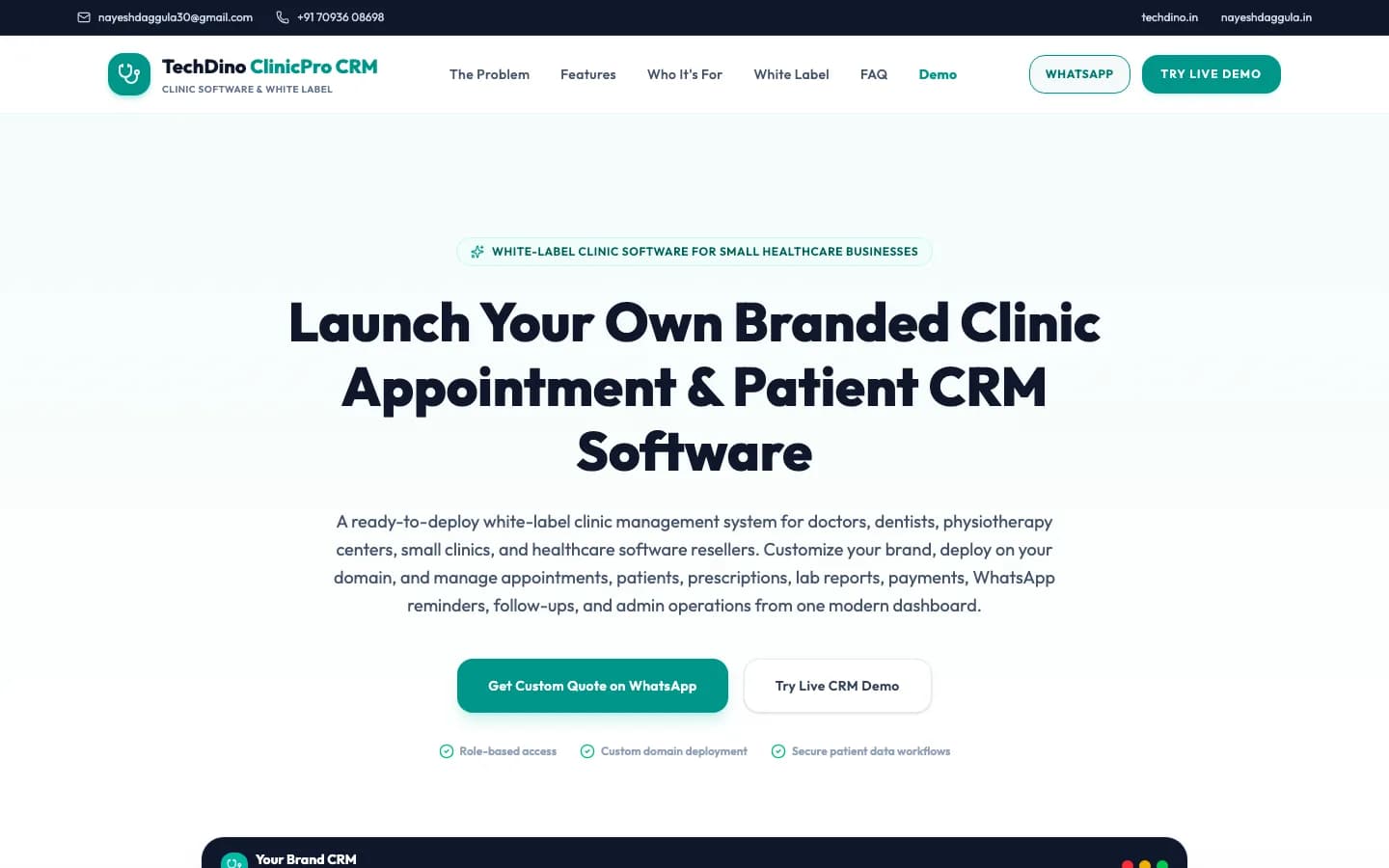
Clinic CRM
Clinic management CRM with patient scheduling, digital EMR, doctor portal, e-prescriptions, and billing.
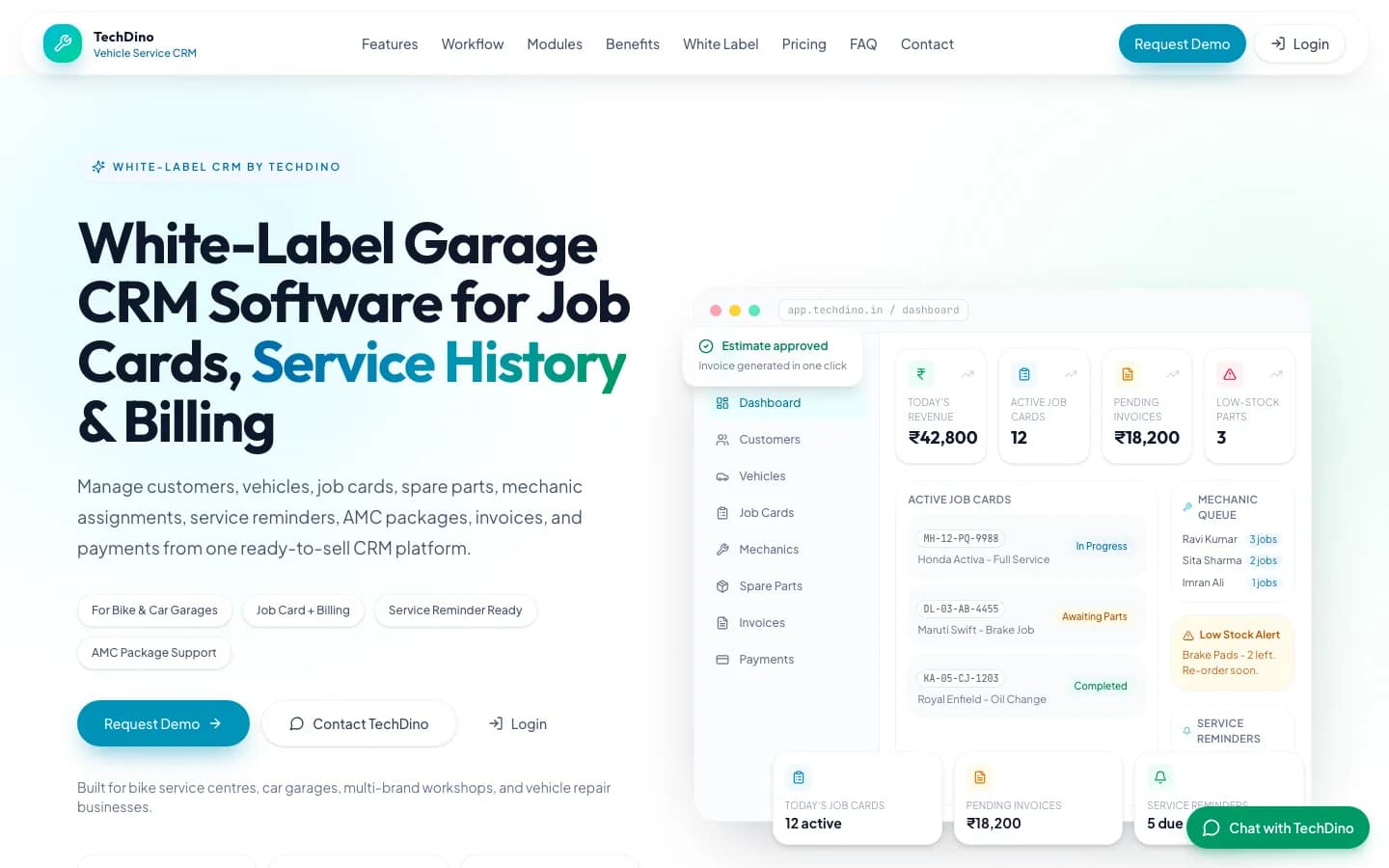
Vehicle Service App
Vehicle service and workshop management system with job card creation, mechanic app, customer updates, and billing.
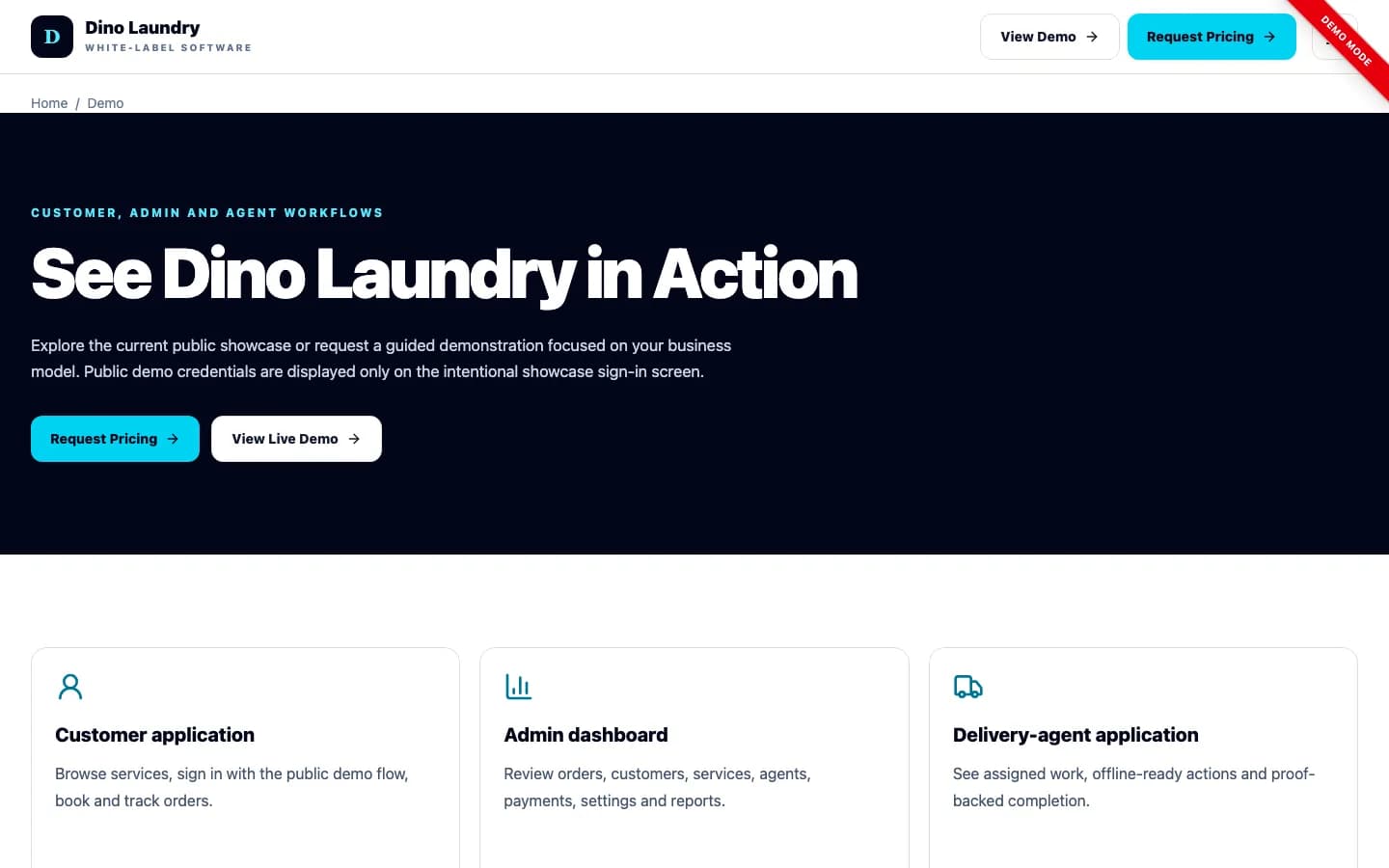
Dino Laundry
Complete laundry & dry-cleaning management software with customer booking, order tracking, admin panel, and delivery agent PWA.
Explore Next
- Learn about our AI agent development services
Want Clinic CRM Under Your Brand?
Rebrand Clinic CRM with your logo and domain, or have it customized for your workflow. All quotes are customized and private.
Related Articles
Self-Hosted ERP vs SaaS ERP: Which Model Suits Your Business?
A side-by-side comparison of self-hosted ERP with source code and SaaS ERP subscriptions covering cost, data control, customisation, vendor lock-in and deployment for businesses in India, UAE and global markets.
White-Label HRMS Software: How Modern Enterprises Manage Payroll, Shifts, and Compliance
A practical technical guide to deploying white-label HRMS software for employee records, automated payroll computation, attendance tracking, and self-hosted cloud security.